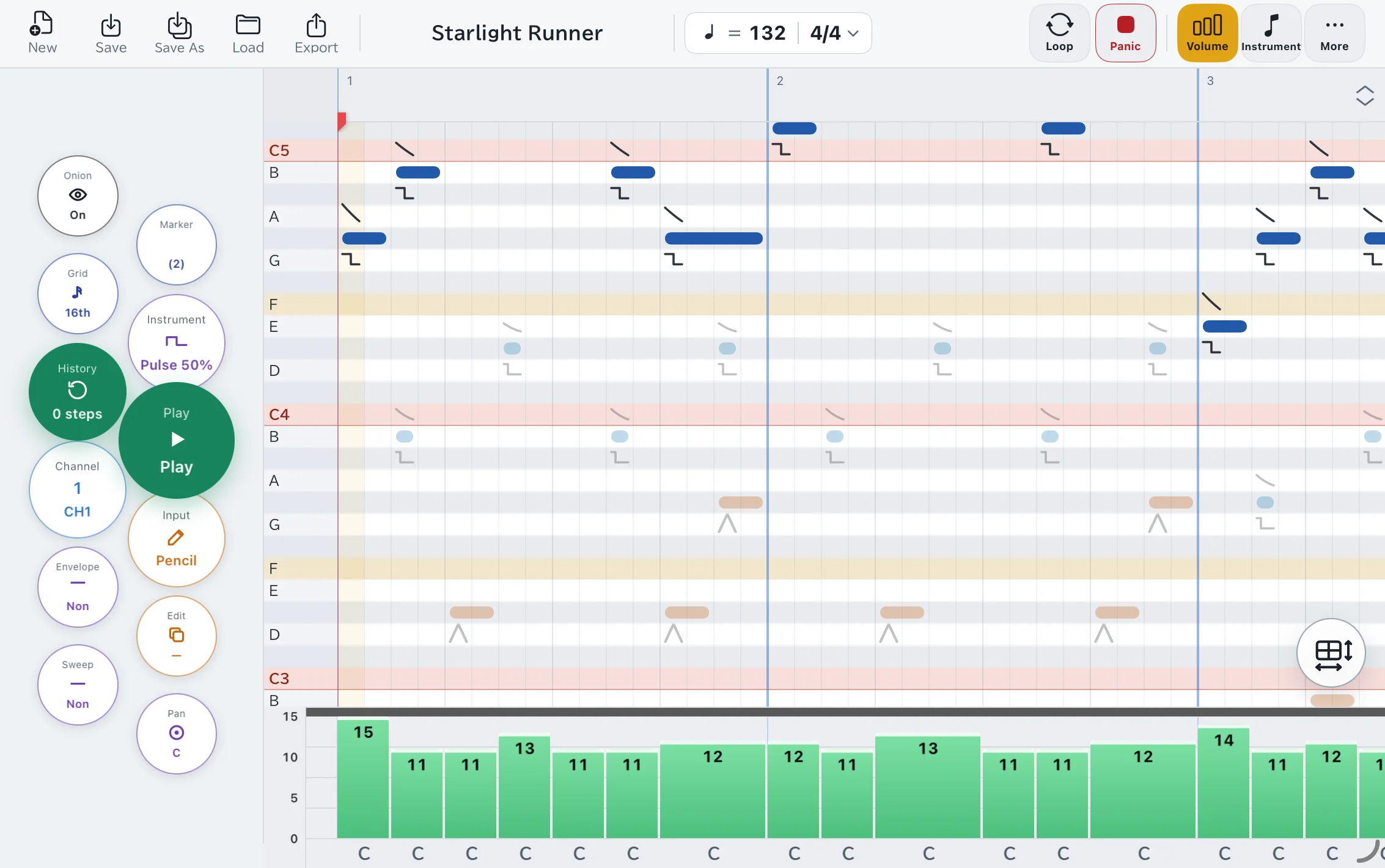
One-handed radial menu
Hold the iPad in one hand and work the radial menu with your thumb. Flick to switch mode, channel, instrument, or grid in an instant, while your other hand keeps drawing.
- Tap for the default action, hold-and-swipe to open the menu
- Switch tools in an instant
- Adjustable menu size and column count in Settings